Trex IPTV M3U vs Xtream Codes: What's the Difference?
T
Trex IPTV Support
September 2026
12 min read
Verified Guide
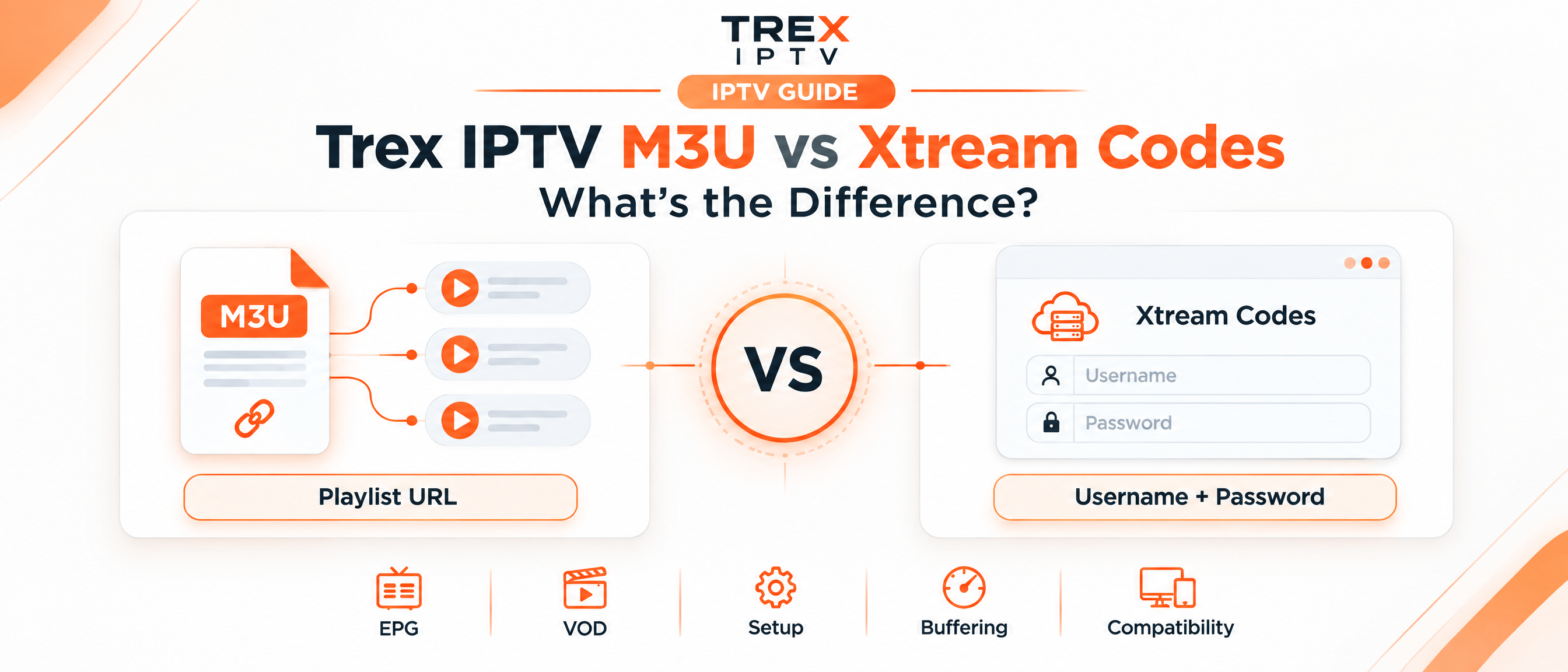
When setting up Trex IPTV, you may be asked to choose between an M3U link and Xtream Codes. If you are new to IPTV, the two options can look confusing because both can connect your player to the same Trex IPTV subscription.
The main difference is how your IPTV player receives and organises the service. M3U provides a playlist containing stream information, while Xtream Codes uses login details to communicate with the provider's API. This guide explains the difference in simple terms, including EPG, VOD, setup, buffering, compatibility, and common problems. Setting up on Firestick? Follow our step-by-step Trex IPTV Fire TV installation guide.
M3U is a playlist URL, while Xtream Codes is an API-based login using a server address, username, and password. Both can provide access to IPTV content, depending on the service and player. M3U is useful for flexible playlist-based setups, while Xtream Codes can provide better organisation of live TV, movies, series, and account information in supported players.
↔What Is the Difference Between M3U and Xtream Codes?
The easiest way to understand the difference is to think of M3U as a list and Xtream Codes as a connection method.
M3U Playlist
An M3U playlist contains information that tells an IPTV player what streams are available and where they can be accessed. The player reads that playlist and displays the available channels.
Xtream Codes
Xtream Codes uses three main pieces of information:
Server URL
Username
Password
Both methods can ultimately provide access to the same service. The important difference is how the player obtains and organises the information.
📄What Is an M3U Playlist?
An M3U playlist is a text-based playlist containing media entries and their stream URLs. In IPTV, an M3U URL may contain information such as:
Channel names
Stream addresses
Channel groups
Logo information
EPG identifiers
Other playlist metadata
You normally add the M3U URL to an IPTV player that supports playlist URLs.
Why do people use M3U?
M3U is popular because it is simple and widely supported. If an IPTV application asks for a playlist URL, the M3U link is normally the information you need.
It can also be useful if you want to manage or customise a playlist through compatible playlist-management software.
However, very large playlists can take longer to download and process because the player has to work through a large amount of playlist information.
🔑What Are Xtream Codes?
Xtream Codes usually refers to an IPTV API login method. Instead of entering one long playlist URL, you normally enter Server URL, Username, and Password. A compatible player can then request information from the service in a structured way.
Depending on the provider and player, this can make it easier to display separate sections for:
Live TV
Movies or VOD
TV series
Categories
EPG information
Account status
The exact features available depend on the IPTV service and the player being used.
Trex IPTV M3U vs Xtream Codes Comparison
Feature
M3U
Xtream Codes
Main format
Playlist URL
API login
Login fields
Usually one URL
Server, username, password
Live TV
Yes, if included
Yes, if supported
VOD
Depends on playlist
Usually easier to organise
Series
Depends on playlist structure
Often separated into categories
EPG
May need separate config
Often easier in supported players
Playlist editing
Flexible
Managed via player or service
Compatibility
Very broad
Requires Xtream-compatible player
Large libraries
More playlist processing
Structured access is easier
Setup
Paste playlist URL
Enter three credentials
Best use
Simple or customised playlists
Structured IPTV applications
🎬Does Xtream Codes Give Better Picture Quality?
No. Choosing Xtream Codes instead of M3U does not automatically improve video quality. This is one of the biggest misunderstandings around M3U and Xtream Codes.
If both methods connect to the same service and ultimately request the same stream, switching the login method does not magically turn an HD stream into a higher-quality stream. Video quality is affected by factors such as:
The source stream
Available bitrate
Your internet connection
Wi-Fi performance
Device hardware
IPTV player behaviour
Server load
Network congestion
Does Xtream Codes Reduce IPTV Buffering?
Not necessarily. Community experiences do not support a simple rule that Xtream Codes automatically provides better streaming performance. In some setups, users report different behaviour between the two methods — but the cause can be the player, playlist processing, server response, network conditions, or playlist editors.
If your IPTV is buffering, changing from M3U to Xtream Codes can be worth testing, but it should not be treated as a guaranteed buffering fix. For a full Firestick-focused checklist, read how to fix Trex IPTV buffering on Firestick. Start by checking:
Internet speed and stability
Wi-Fi signal strength
Whether other streaming services buffer
Whether the problem affects every channel or only certain streams
Whether the same account works correctly on another device
Whether the IPTV player needs an update
Whether the provider's server is experiencing problems
📅M3U vs Xtream Codes for EPG
EPG means Electronic Program Guide. It shows programme information such as what is currently playing and what is scheduled next.
M3U does not automatically mean that EPG will be missing. An M3U playlist can contain information that helps a player connect channels with EPG data, and an IPTV service may also provide a separate XMLTV EPG source. Xtream Codes can make EPG configuration easier in players that support the relevant API features.
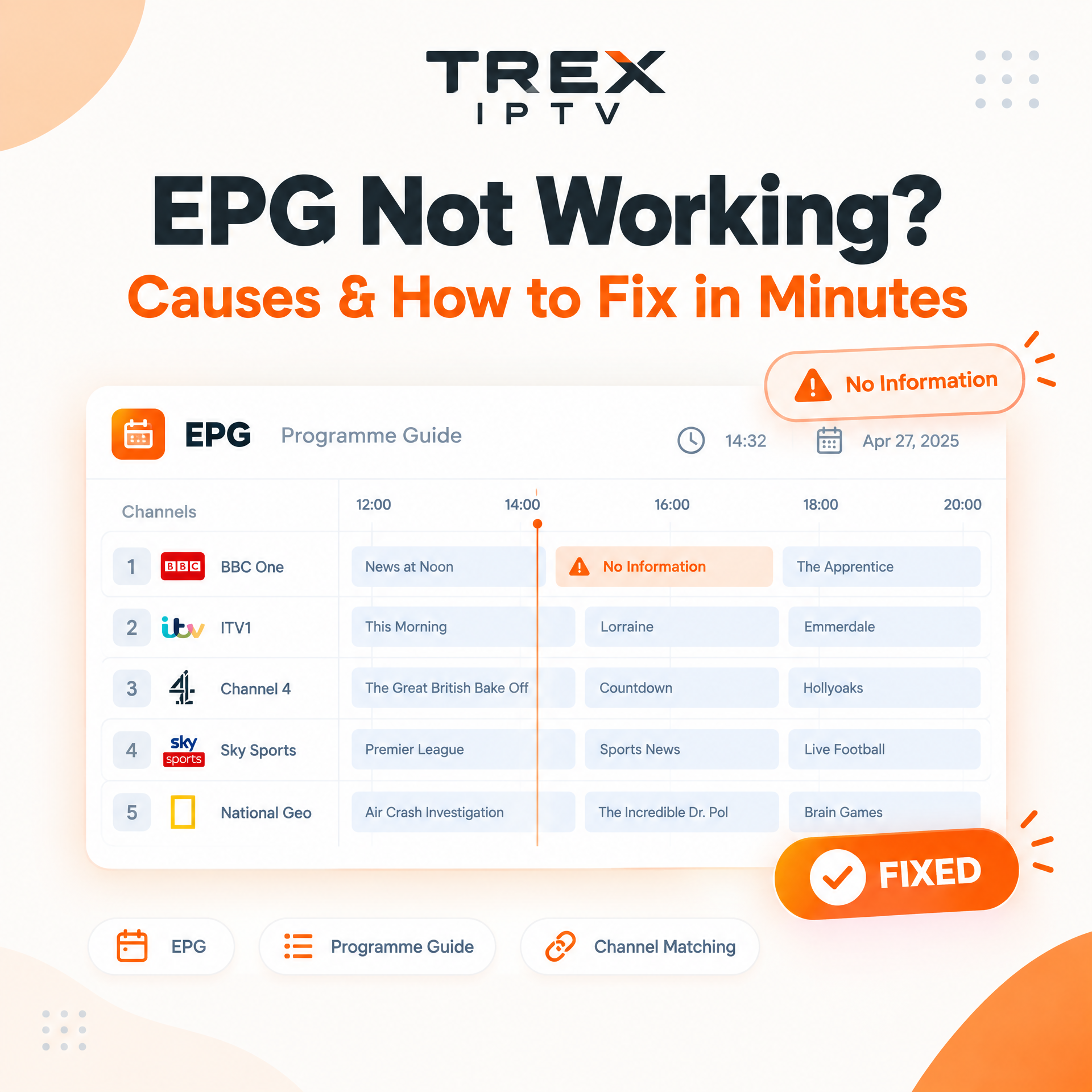
However, the quality of your EPG ultimately depends on the data supplied by the service and how your IPTV player handles it. If your EPG is blank, try the steps below — or follow our full Trex IPTV EPG not working troubleshooting guide:
Refreshing the EPG
Checking the EPG source
Confirming the correct time zone
Reassigning the EPG to the playlist
Clearing outdated EPG data
Checking whether the provider supplies guide data
Which Is Better for Movies and TV Series?
Xtream Codes can be more convenient when you have a large VOD and series library. The reason is organisation. A compatible IPTV player can receive structured information and display categories such as Live TV, Movies, and Series separately.
With an M3U playlist, the organisation depends more heavily on how the playlist has been created and how your player interprets it. This does not mean M3U cannot contain VOD or series — it can. The difference is how easily the player can organise and manage that information.
Which Is Better for TiviMate?
If you are using TiviMate and your service provides both options, either may work. Xtream Codes can be convenient because you enter the server address, username, and password instead of handling a long playlist URL. M3U can still be useful when you want direct control over the playlist or need to use an application that specifically works with M3U URLs. Setting TiviMate up on Firestick? Use the Fire TV Trex IPTV setup walkthrough.
💡 Important: Xtream Codes is not a replacement for good EPG data. If the provider does not supply usable guide information, changing the login method may not solve the problem. See how to repair a missing Trex IPTV EPG guide.
Which Should You Use for Trex IPTV?
If Trex IPTV gives you both options and your player supports Xtream Codes, the choice depends on what you need. There is no universal rule that one method is faster for every user.
Choose Xtream Codes if:
Your player supports Xtream Codes API
You want Live TV, VOD and Series separated
You prefer entering three simple credentials
You want structured content in your IPTV player
Your player handles Xtream Codes particularly well
Choose M3U if:
Your IPTV player specifically asks for an M3U URL
You want playlist-level control
You need a player that supports M3U but not Xtream
You are working with a playlist editor
You prefer a direct playlist format
Practical Example
Suppose your Trex IPTV account provides both an M3U URL and Xtream Codes details. You use an IPTV player on a Fire TV Stick.
With M3U: paste the playlist URL into the M3U or playlist field.
With Xtream Codes: enter Server, Username, and Password exactly as provided.
If the player supports Xtream Codes properly, your content may appear in separate sections such as Live TV, Movies and Series. If you prefer editing or filtering the playlist before loading it, M3U may give you more flexibility.
Does M3U Contain Your Xtream Codes?
In many IPTV systems, an M3U URL can contain the same username and password used by the service's Xtream Codes API. Treat your M3U URL as sensitive account information. Do not publicly post your complete M3U URL or screenshots that expose your IPTV credentials.
🔧Common M3U and Xtream Codes Problems
Encountering setup issues? Here are the most common problems and what to check:
"Invalid M3U URL"
The entire URL was copied
No spaces were added
The link has not expired
Your account is active
The IPTV player supports M3U
Your internet connection is working
"Invalid Xtream Codes"
Server URL is entered exactly as provided
Username has no leading or trailing spaces
Password is correct including any special characters
Port number is included if supplied with the server URL
Channels Work but EPG Is Blank
Refresh the EPG first
Check whether your service provides a separate EPG source
Confirm time zone settings in the player
Movies or Series Are Missing
Your account includes VOD or series
The player supports the relevant content type
Content categories have finished loading
Your subscription has not expired
M3U Works but Xtream Codes Does Not
Player may have API compatibility issues
Credentials may have been entered incorrectly
Service may configure the two methods differently
Try M3U if both options are available
Common Mistakes to Avoid
1. Assuming Xtream Codes Means Better Streaming
Xtream Codes changes how the player communicates with the service. It does not automatically improve the underlying stream.
2. Blaming M3U for Every Buffering Problem
Buffering can come from your network, device, player, server, or stream source.
3. Sharing Your M3U URL
Many M3U URLs contain account credentials. Treat them like login information.
4. Ignoring EPG Configuration
A working channel list does not guarantee that the programme guide will work automatically.
5. Loading an Extremely Large Playlist Without Filtering
Large playlists can contain thousands of channels you never watch, making your IPTV player harder to use.
M3U vs Xtream Codes: Simple Decision Guide
Your Situation
Consider
You want a simple playlist URL
M3U
Your player supports Xtream Codes
Xtream Codes
You mainly watch Live TV
Either
You use a large VOD library
Xtream Codes may be more convenient
You want to customise a playlist
M3U
Your EPG is missing
Check the EPG source first
Your IPTV is buffering
Check network and server factors first
Your player only accepts M3U
M3U
Your player is designed around Xtream API
Xtream Codes
Action Checklist
Before choosing your Trex IPTV connection method:
Check which formats your IPTV player supports
Keep your M3U URL private
Save your Xtream Codes credentials securely
Test your internet connection
Check whether your EPG is available
Allow the first playlist or catalogue update to finish
Test Live TV before troubleshooting VOD
Test another channel if one stream is buffering
Try the alternative connection method if your player supports both
Keep your IPTV player updated
Key Takeaways
M3U is a playlist format.
Xtream Codes is an API-based login method.
Both can connect to the same IPTV subscription.
Xtream Codes does not automatically improve video quality.
M3U can be useful for playlist control and compatibility.
Xtream Codes can provide better organisation in supported players.
EPG quality depends on available guide data and player configuration.
Buffering is not automatically caused by using M3U.
Never publicly share an M3U URL containing your credentials.
?FAQs
Still deciding between M3U and Xtream Codes? These answers cover the most common questions.
Step-by-step tutorial to install Trex IPTV on Amazon Fire TV, Firestick 4K & Cube in under 5 minutes. Includes Downloader code, recommended players, and best streaming settings.
If you already have a Trex IPTV subscription, check which connection options are provided with your account and use the format best supported by your IPTV player. Browse more help topics in the Trex IPTV blog or review device installation instructions.
If you are considering the service, review the available setup options and device compatibility before choosing a plan. Only use IPTV services and content that you are legally authorised to access in your location.