Home/Blog/Multiple Screens Guide

Trex IPTV Multiple Screens or Devices: How Many Can You Use?

T
Trex IPTV Support
September 2026
11 min read
Verified Guide

If you have several TVs at home, you may wonder whether one Trex IPTV subscription can be used on multiple screens at the same time. This question is slightly more complicated than simply asking whether Trex IPTV works on multiple devices.

You may be able to install your IPTV account on several Firesticks, Smart TVs, phones or other compatible devices. However, simultaneous streaming depends on the number of connections allowed by your specific subscription. Setting up on Firestick? Follow the Trex IPTV Fire TV installation guide.

Second screen freezing and looks like buffering?
Fix Trex IPTV buffering on Firestick
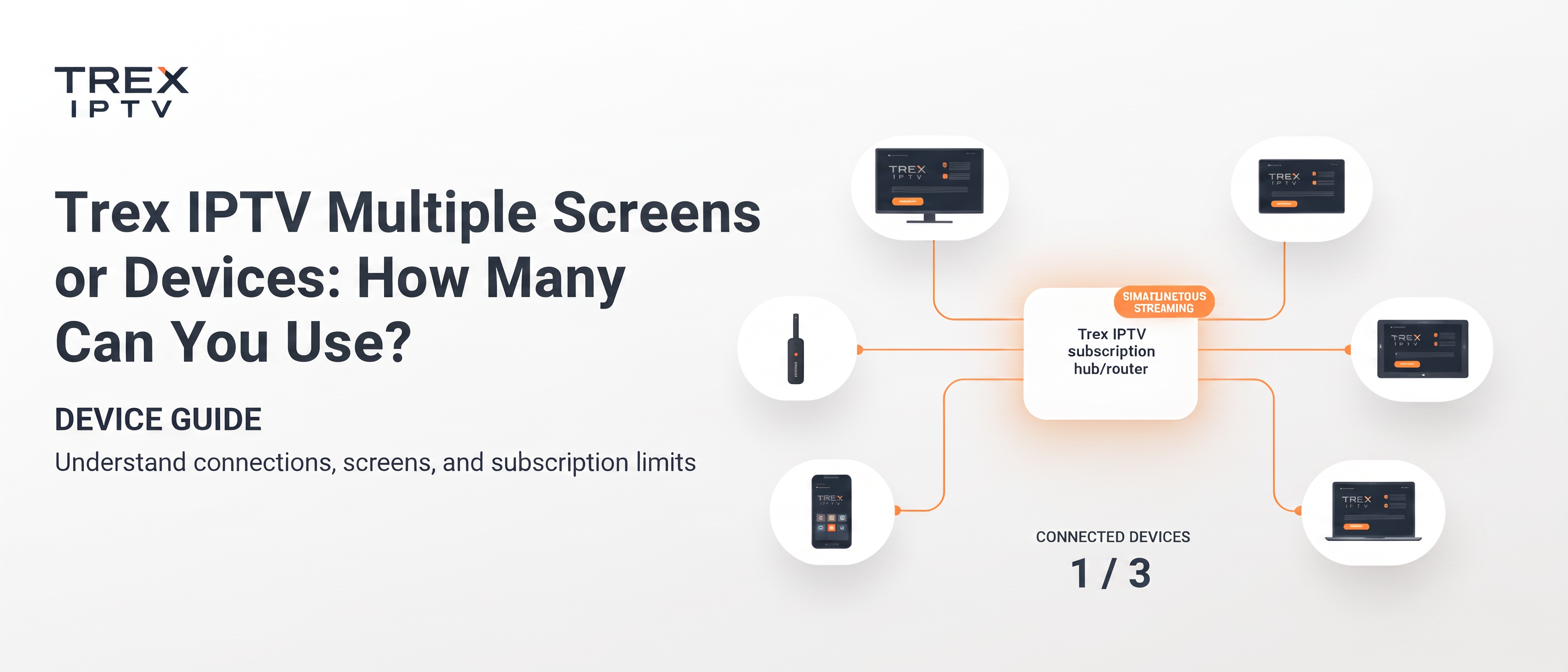
Trex IPTV multiple screens and devices connection guide
Quick Answer

Devices vs Simultaneous Connections

Trex IPTV can be installed on multiple devices, but simultaneous streaming depends on the connection limit attached to your subscription. One login should not automatically be assumed to allow two or more simultaneous streams. Check the exact number confirmed for your order before using multiple screens — then compare Trex IPTV subscription plans.

What Does "Multiple Screens" Mean?

Multiple screens can mean two different things.

Multiple devices

You install the same Trex IPTV account on:

Firestick
Smart TV
Android TV
Phone
Tablet
Computer

This does not necessarily mean you can watch on all of them simultaneously.

Multiple simultaneous streams

Two or more devices are actively playing different channels at the same time.

  • TV 1: Watching a football match
  • TV 2: Watching a news channel

This is what simultaneous connections normally refers to.

How Do Trex IPTV Connections Work?

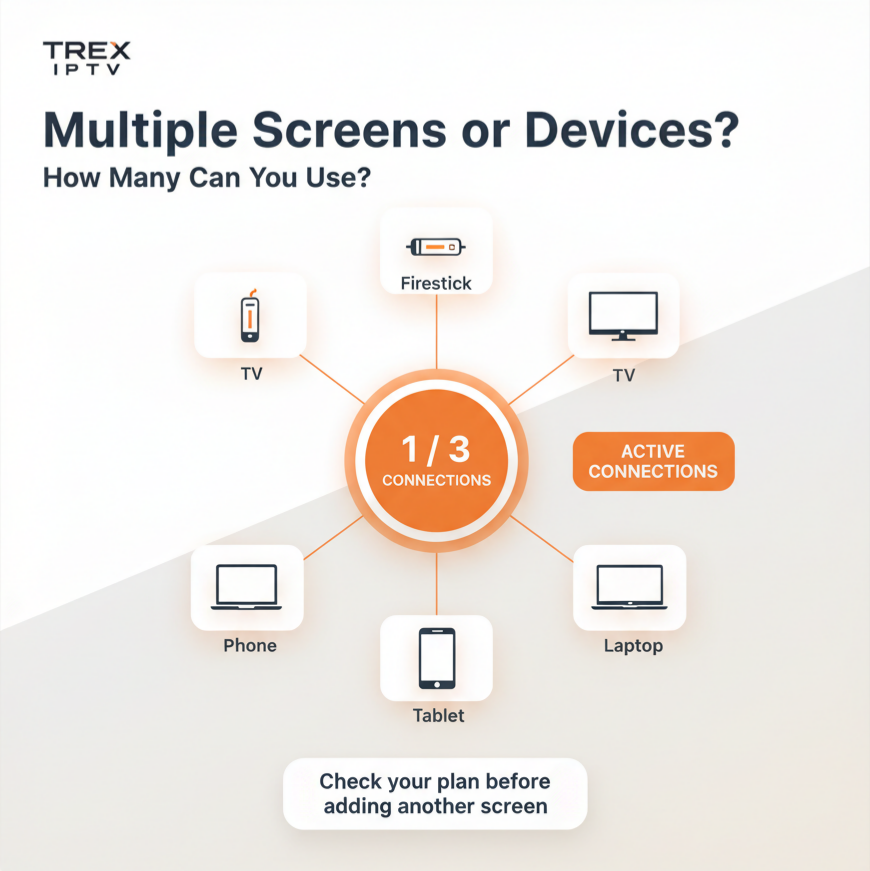
A connection is essentially an active stream using your IPTV account. If your subscription allows one simultaneous connection, one device can normally stream at a time. If your subscription explicitly allows two simultaneous connections, two devices may stream at the same time.

The connection limit is normally enforced by the IPTV service rather than by the IPTV player itself. A player such as TiviMate can be installed on multiple devices, but it cannot create additional server-side connections that your subscription does not include.

💡 Each simultaneous stream consumes a connection slot. The limit is enforced at the server level — not by your Wi-Fi or IPTV player alone.
Trex IPTV multiple screens simultaneous connections explained

Can You Use Trex IPTV on Two TVs?

You may be able to install the same Trex IPTV credentials on two TVs, but watching both TVs simultaneously depends on your subscription's connection allowance. This distinction is important.

For example, suppose you have a Firestick on TV 1 and a Smart TV as TV 2. You could potentially configure the IPTV player on both using the Fire TV setup walkthrough. But if your account permits only one active connection, starting a stream on the second TV may cause the first stream to stop, freeze or fail to start.

Do not assume that every Trex IPTV subscription has the same multi-screen allowance. Always check the exact plan you are purchasing on our Trex IPTV subscription plans page.

Why Can One Account Work on Multiple Devices?

You might add your Trex IPTV credentials to three devices and find that all three accept the login. That does not necessarily mean all three can stream simultaneously.

SituationWhat It Means
Account installed on 3 TVsMultiple device setup
1 TV actively streaming1 active connection
2 TVs streaming simultaneously2 active connections
3 TVs streaming simultaneously3 active connections

What Happens If You Exceed the Connection Limit?

The exact behaviour depends on the service and IPTV player. You might see:

The second stream refusing to start
A loading screen
Playback freezing
An authentication error
One stream stopping
A generic playback error
The second device working briefly and then freezing

This can make the problem look like buffering. Before changing network settings, check active devices — then use our Trex IPTV buffering on Firestick guide if a single screen still freezes after closing other streams.

Does TiviMate Allow Multiple Trex IPTV Screens?

TiviMate itself can support multiple streams or multiview features on compatible hardware. However, the IPTV player does not automatically increase your Trex subscription's connection allowance.

Suppose you open four channels in multiview. The player may technically display four streams — but whether your IPTV account permits those streams is a separate question. Do not confuse a player's multiview capability with your subscription's server-side connection allowance.

TV + phone at once?

Only when your subscription allows multiple simultaneous connections. Both streams consume active slots.

Same Wi-Fi help?

No. Being on the same home Wi-Fi does not automatically give you multiple IPTV connections.

Installing on multiple Firesticks is also fine for setup — see the multi-device Trex IPTV installation guide — but the simultaneous connection limit still applies when streaming.

How Many Connections Do You Actually Need?

The easiest way to calculate this is to think about your maximum simultaneous usage. The important number is not the number of TVs in your house — it is the maximum number of streams you want running at the same time.

Example 1: One TV

You have one TV and normally watch one stream.

Required: 1 connection

Example 2: Two TVs, one at a time

You have two TVs but never watch them simultaneously.

Required: Potentially 1 connection

Example 3: Two TVs used simultaneously

Family members regularly watch different channels at the same time.

Required: 2 simultaneous connections

Example 4: Three TVs

Three people regularly watch different streams simultaneously.

Required: 3 simultaneous connections

Trex IPTV Multiple Screens Comparison

UsageExampleConnections Needed
One TVOne live stream1
Two TVs, one at a timeOnly one TV playing1
Two TVs simultaneouslyTwo different channels2
TV + phoneBoth playing2
TV + tablet + phoneThree active streams3
One TV with 4-way multiviewFour streamsDepends on plan
Several devices installedOnly one playing1 active connection

Always confirm your specific subscription allowance before relying on these numbers. Review current options on the Trex IPTV plans page.

Why Does My Second Trex IPTV Screen Keep Freezing?

If one screen works but another freezes, check the connection limit before assuming that your internet is too slow. The most useful checks are:

  • Close IPTV on other devices.
  • Check whether another TV is still streaming.
  • Close background IPTV apps.
  • Restart the affected player.
  • Test one stream at a time.
  • Check your subscription's connection allowance.
  • Contact the provider if the account should support multiple connections.
Remember that a phone or TV application left running in the background may still hold a connection for a period of time. Devices people forget about can continue consuming connection slots.

Common Mistakes With Trex Multiple Screens

1. Confusing Device Support With Connection Support

An IPTV app being installed on five devices does not mean five simultaneous streams are included.

2. Assuming Same Wi-Fi Means Unlimited Screens

Your home network does not automatically increase your IPTV connection allowance.

3. Blaming Buffering Immediately

A second stream that refuses to start may be hitting the account's connection limit rather than suffering from slow internet.

4. Assuming TiviMate Creates Extra Connections

TiviMate can manage multiple streams, but the IPTV service still controls the account's server-side access.

5. Buying Extra Connections Without Confirmation

Trex-branded services currently publish different connection terms. Confirm the exact allowance before paying for an upgrade.

How to Check Whether You Need a Multi-Connection Plan

Before buying or upgrading, answer these questions:

How many TVs will use Trex IPTV?
How many will be streaming at the same time?
Will anyone watch on a phone?
Do you use TiviMate multiview?
Do you record one channel while watching another?
Does your current plan explicitly state the connection count?
Does the provider confirm that additional connections are supported?

Action Checklist

Before using Trex IPTV on multiple screens:

Check your subscription's connection limit
Count simultaneous streams, not just devices
Check whether your plan allows multiple connections
Close IPTV apps on unused devices
Test two screens only if your plan permits it
Check TiviMate multiview separately
Do not assume same Wi-Fi provides extra connections
Keep your IPTV credentials private
Contact the provider before purchasing an additional connection
Keep proof of the connection count included with your order

Key Takeaways

Trex IPTV can be installed on multiple devices, but simultaneous streaming depends on the subscription.
Multiple devices and multiple connections are not the same thing.
A one-connection subscription should not be assumed to support two TVs at once.
TiviMate multiview does not automatically increase your account's connection allowance.
A second screen that freezes may be hitting the server-side connection limit.
The number of connections you need depends on your maximum simultaneous streams.
Current Trex-branded websites publish different connection policies, so verify your exact plan before purchase.
Community reports about Trex multiple connections are inconsistent, making direct confirmation with your provider especially important.

?FAQs

Still deciding how many connections you need? These answers cover the most common multi-screen questions.

Keep Learning
Browse all IPTV guides

Planning Multiple Screens?

If you plan to use Trex IPTV across multiple TVs or family devices, check the simultaneous connection limit before purchasing or upgrading your subscription. Do not rely only on the number of devices supported — confirm how many streams your specific plan permits at the same time.

Browse more help in the Trex IPTV blog or contact Trex IPTV support. Only access IPTV services and content you are legally authorised to use in your location.

Chat with us